Detailed feature breakdown

Everything MediaNest is built to do.

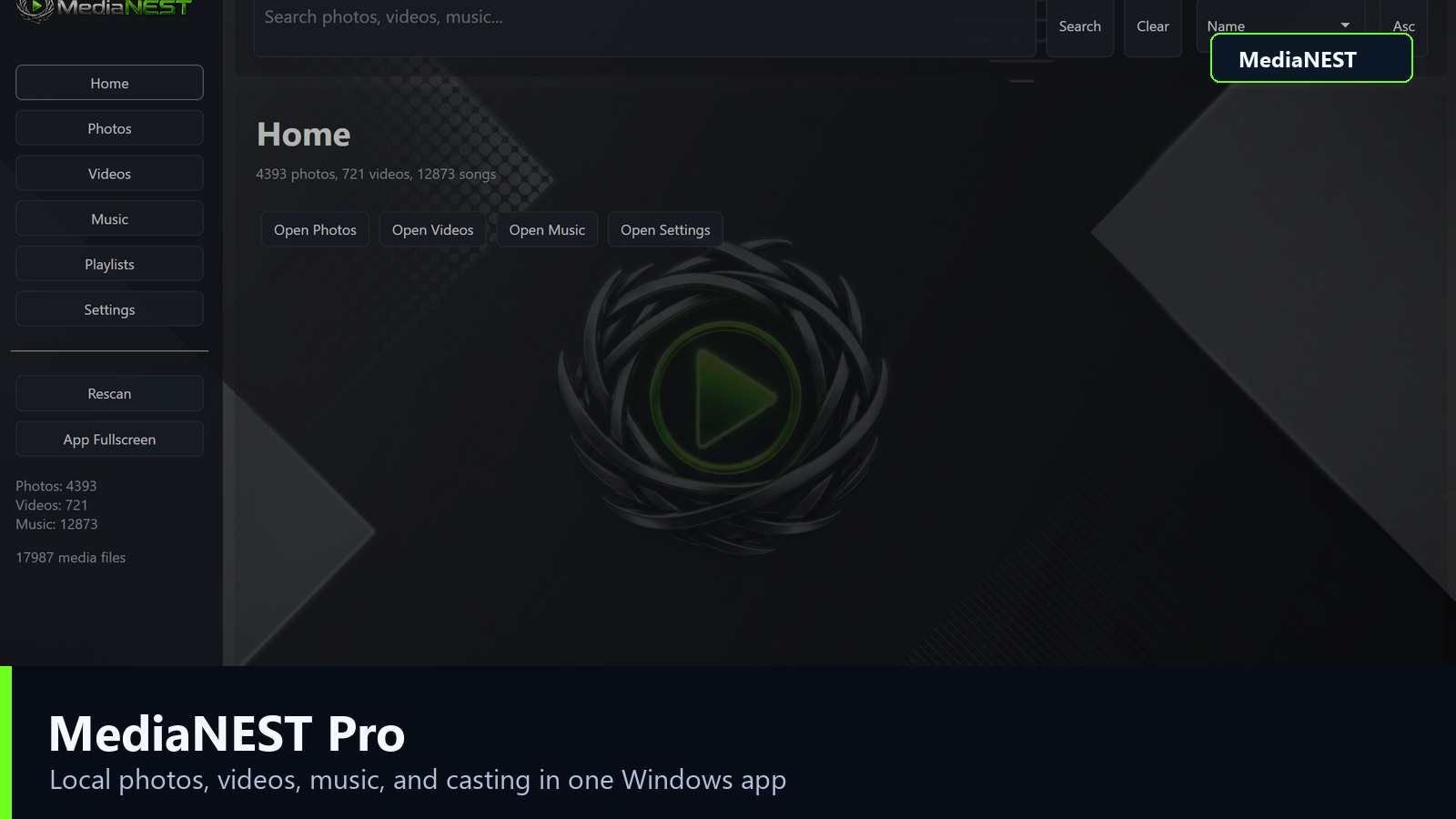
MediaNest is focused on practical, local media management: browsing, playback, playlists, categories, casting, and backup tools wrapped in a premium Windows interface.

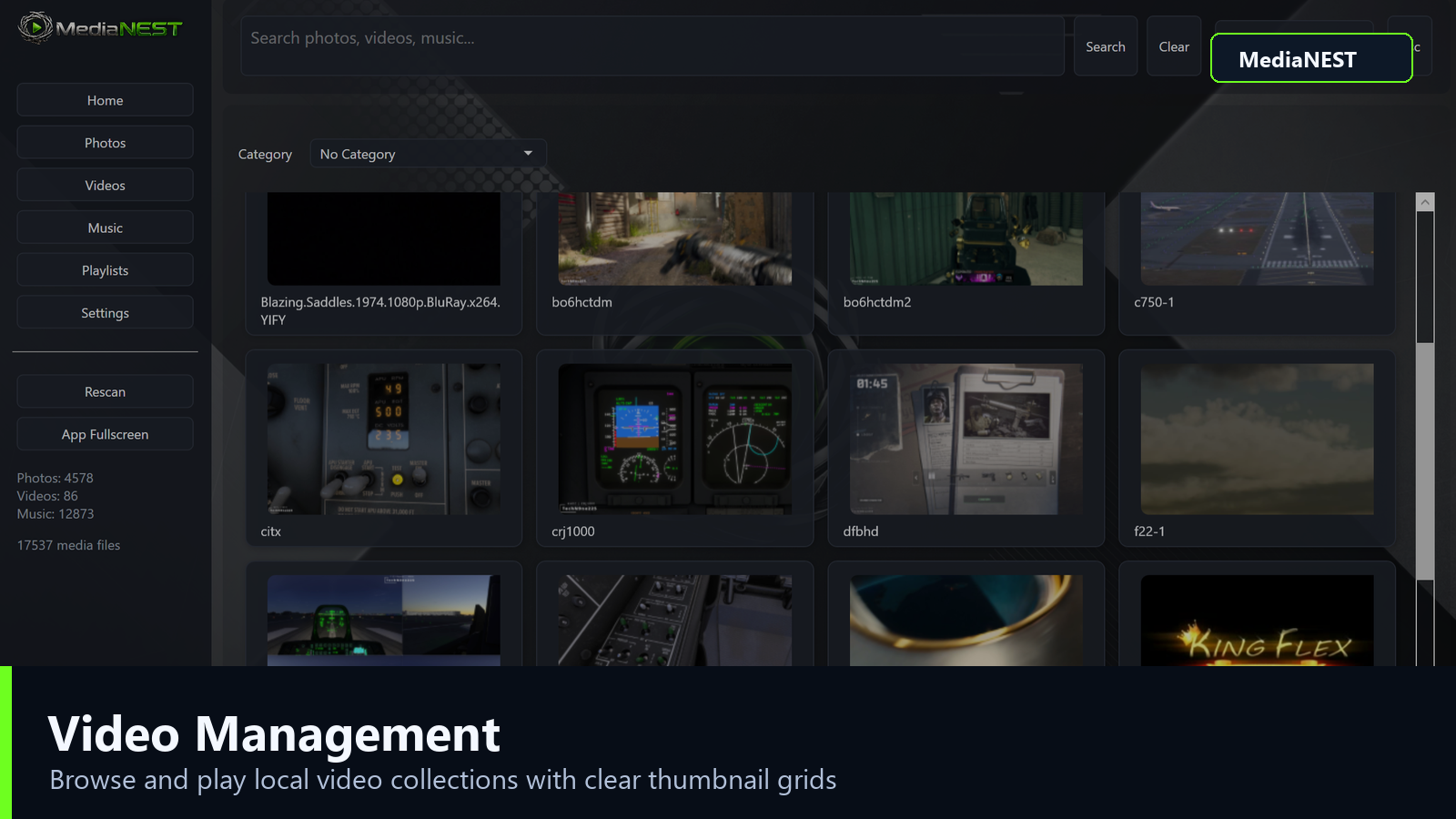
MediaNest video management screenshot
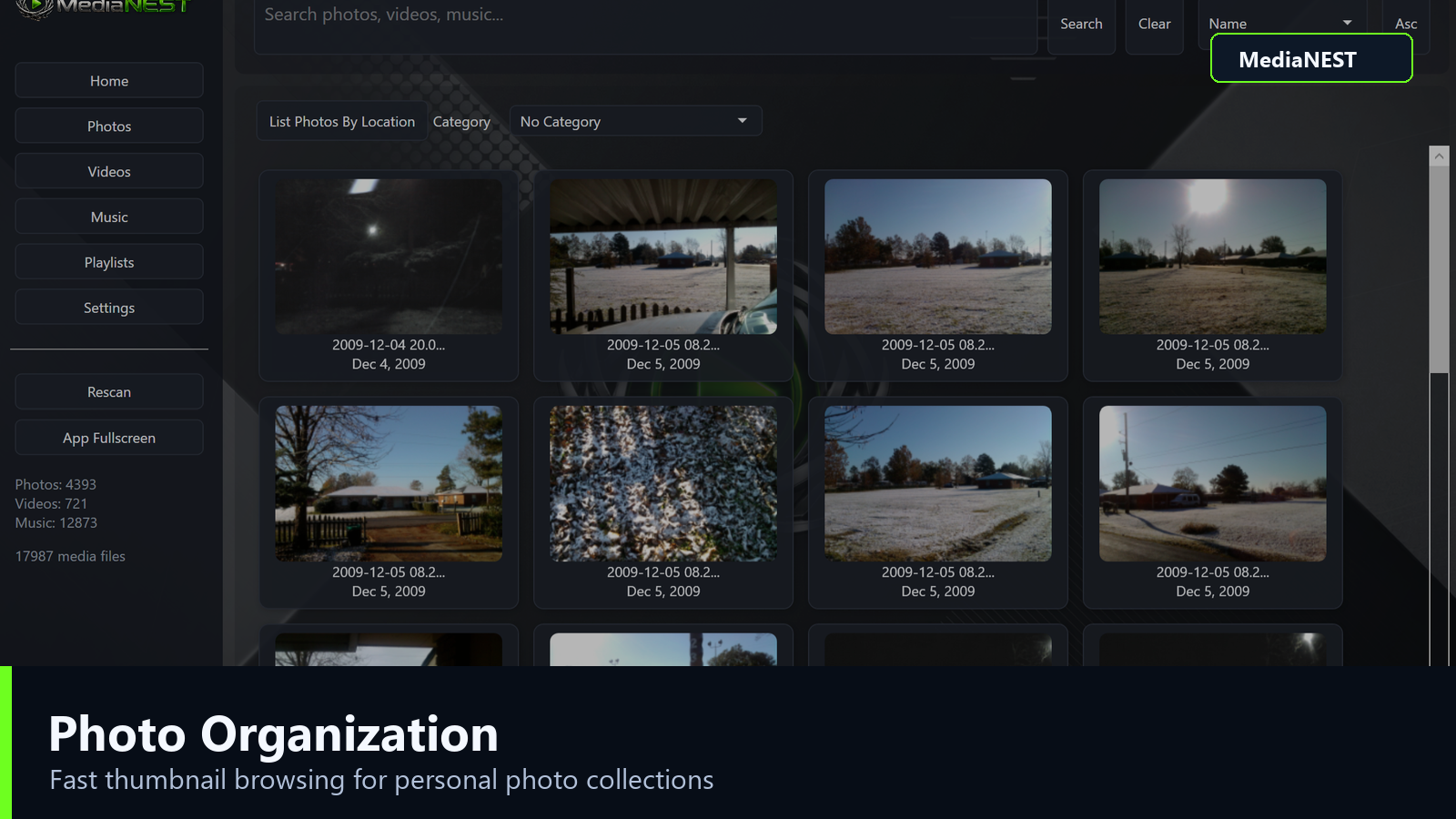
MediaNest photo organization screenshot
Photos

Make large photo libraries manageable.

  • Browse photos as thumbnail cards with search, sorting, and pagination.
  • Use categories and sub-categories, including a useful No Category workflow.
  • Open a larger viewer, move through the folder, start slideshows, and edit captions or dates.
  • Rotate and save photos when you want the file itself updated.
Videos and music

Strong playback options, even for tricky files.

  • Browse videos with thumbnails, search, sorting, and category filters.
  • MPV is used first for broad codec support and local playback strength.
  • Browse tracks by song, artist, album, or folder.
  • Create playlists and keep listening while moving through the app.
MediaNest music screenshot
Casting

Casting

Cast compatible photos, videos, or music to supported devices on your network.

Categories

Categories

Organize photos and videos with main categories and sub-categories.

Backups

Backups

Protect app settings, metadata, playlists, and library state.

License

Activation

Pro users can activate the desktop software with their email and key.